Replay My First Laravel Project—My Bug Tracker
It has been a year since the idea of creating a bug tracking application hitting my mind. I tried to design the UML diagram and draw wireframes. However, I had no idea how to start the code until I learned Laravel recently. It is unbelievable that I could finish the first version of My Bug Tracker within a week. Now I want to walk through the path again and try to consolidate the knowledge that is going to help me for the next project.
Get some ideas from open-source projects on GitHub
GitHub definitely gave me a big help this time as I did not quite clear about what features and layout a bug tracker should have. I looked into some apps available online like JIRA, Mantis and so on. However, they are way too complicated for me. Recently, I learned how to use GitHub to find open-source projects and I finally found a good Laravel bug tracker project to begin with.
Here is my way to find the project and ran it locally.
Search
1 | # GitHub search |
The results are different with tiny difference between key words. I read the README documents and ran a few of the projects. Finally, I decided to use BugAndPlan as my reference.
Git clone the project to local machine
Run Laravel project locally
1 | # Go to the folder BugAndPlan |
1 | composer update |
1 | config env file |
1 | php artisan key:generate |
Done!
BugAndPlan layout: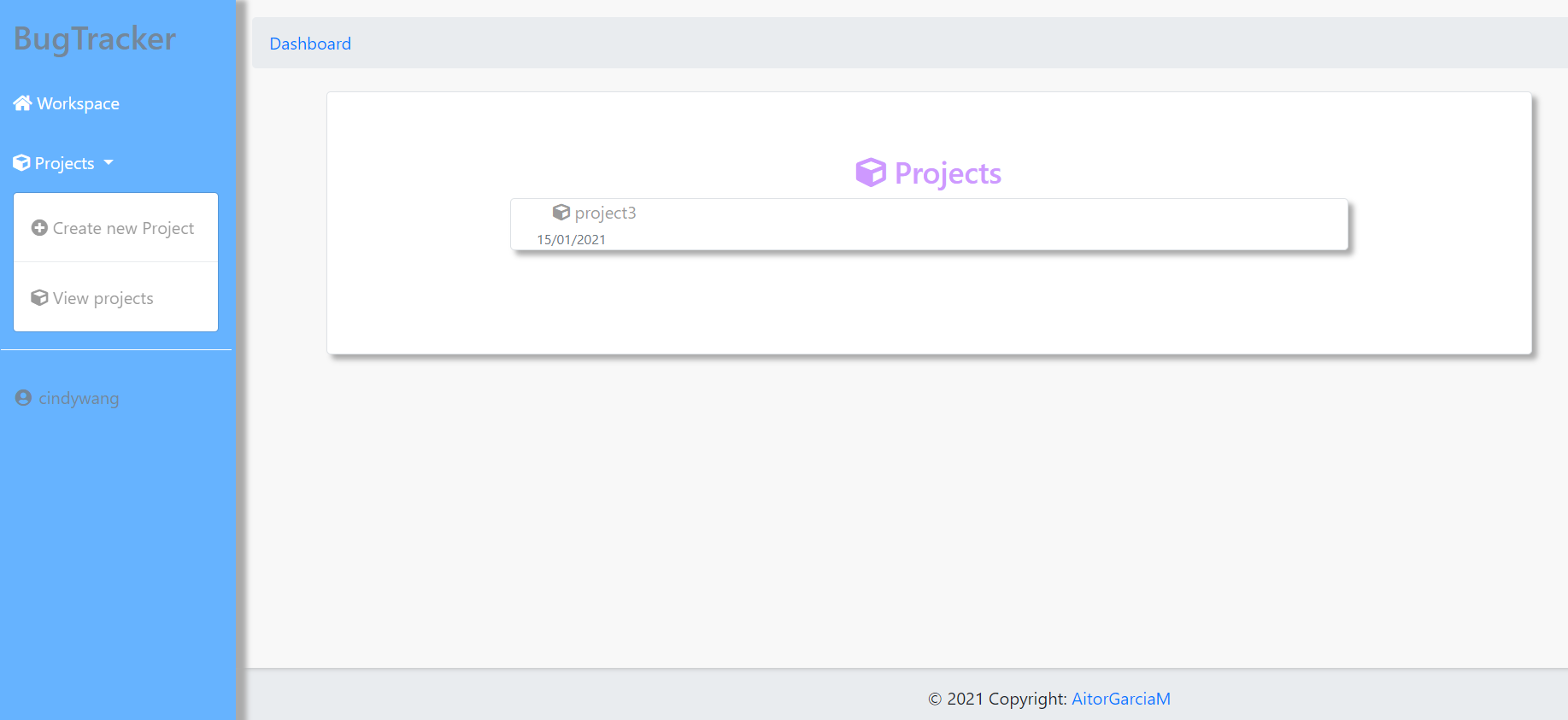
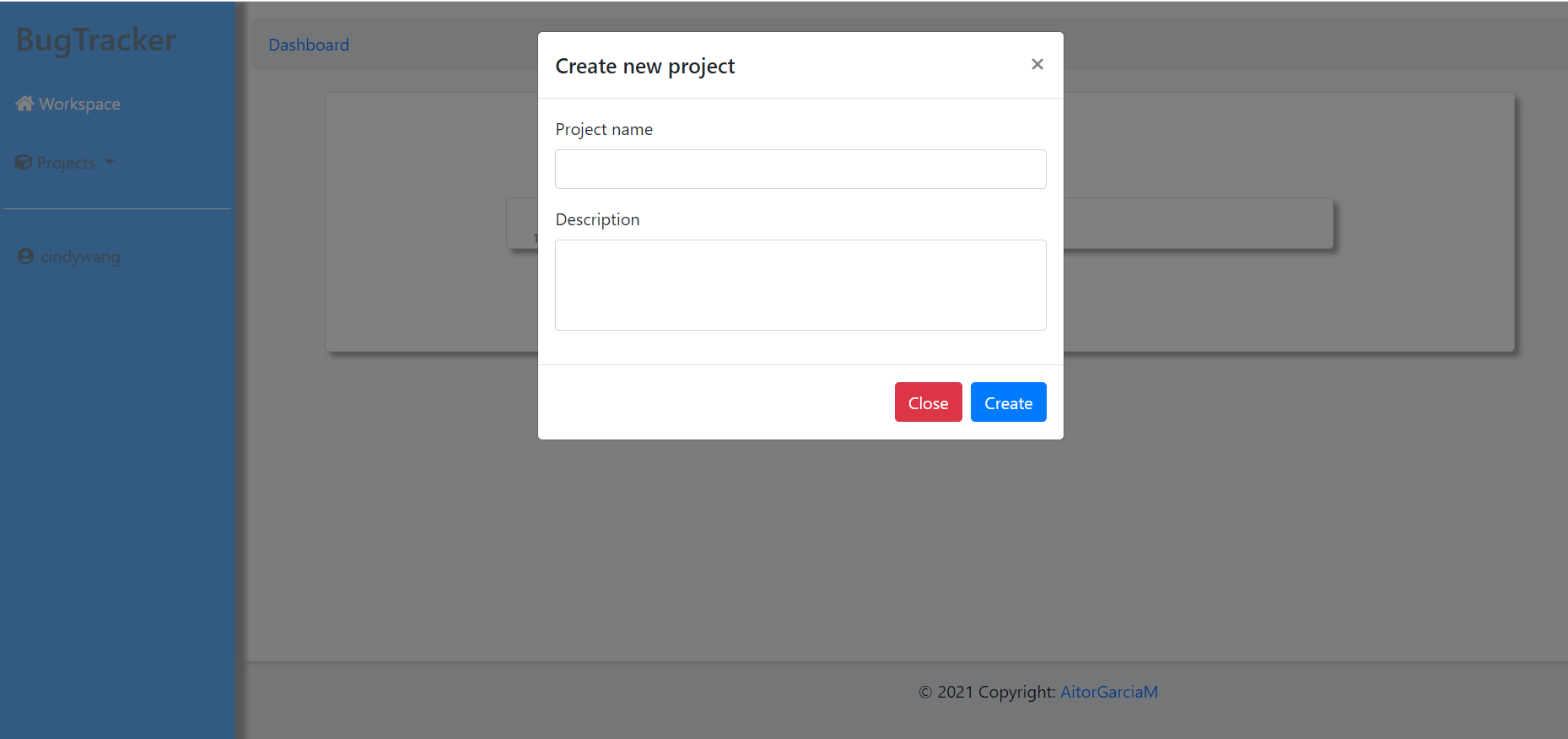
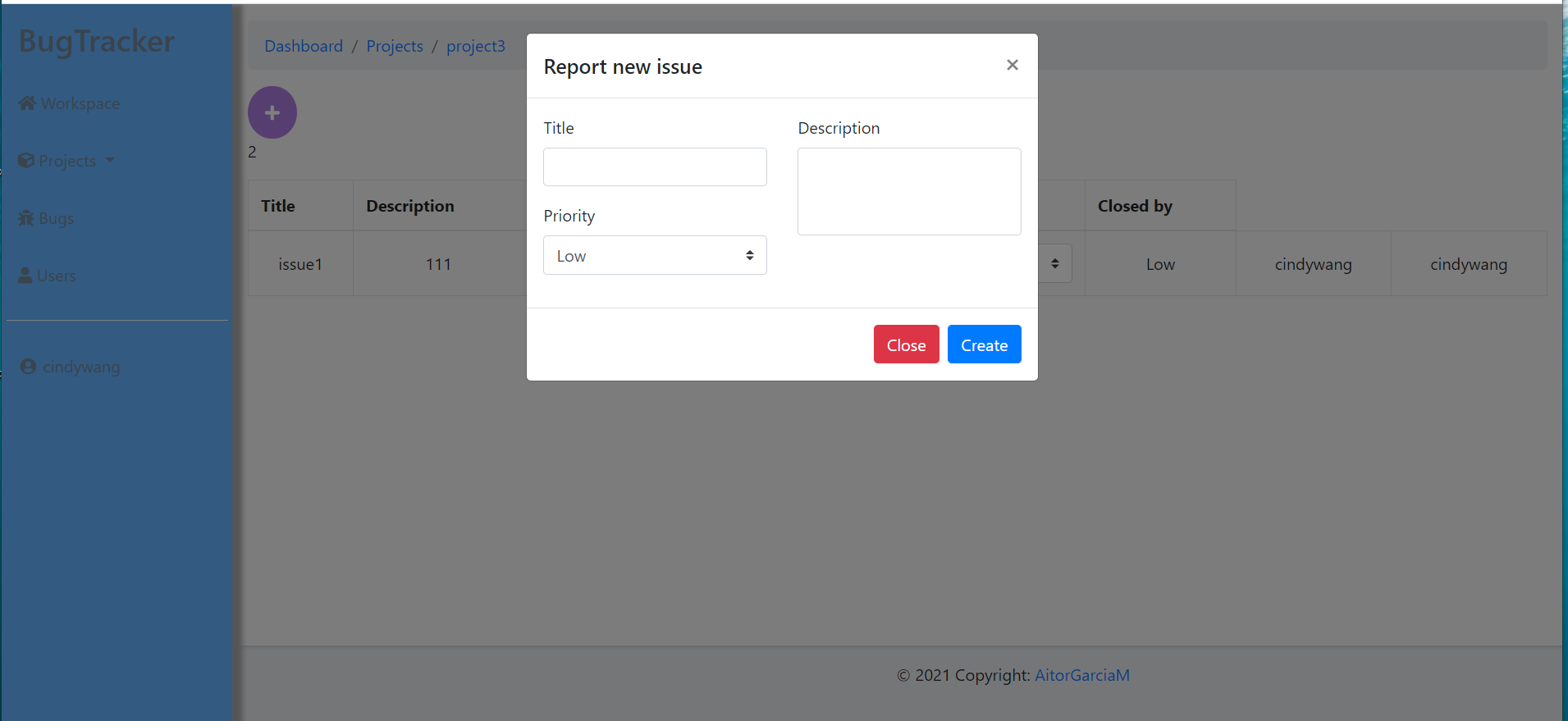
Define the features and design the UI for my project
Features
- Authentication
- Authorization
- Adding projects and bugs
- View and edit projects and bug details
- Changing user profile
- Admin role should be able to assign bugs to developer role and able to delete projects and bugs
Get header and nav bar ready
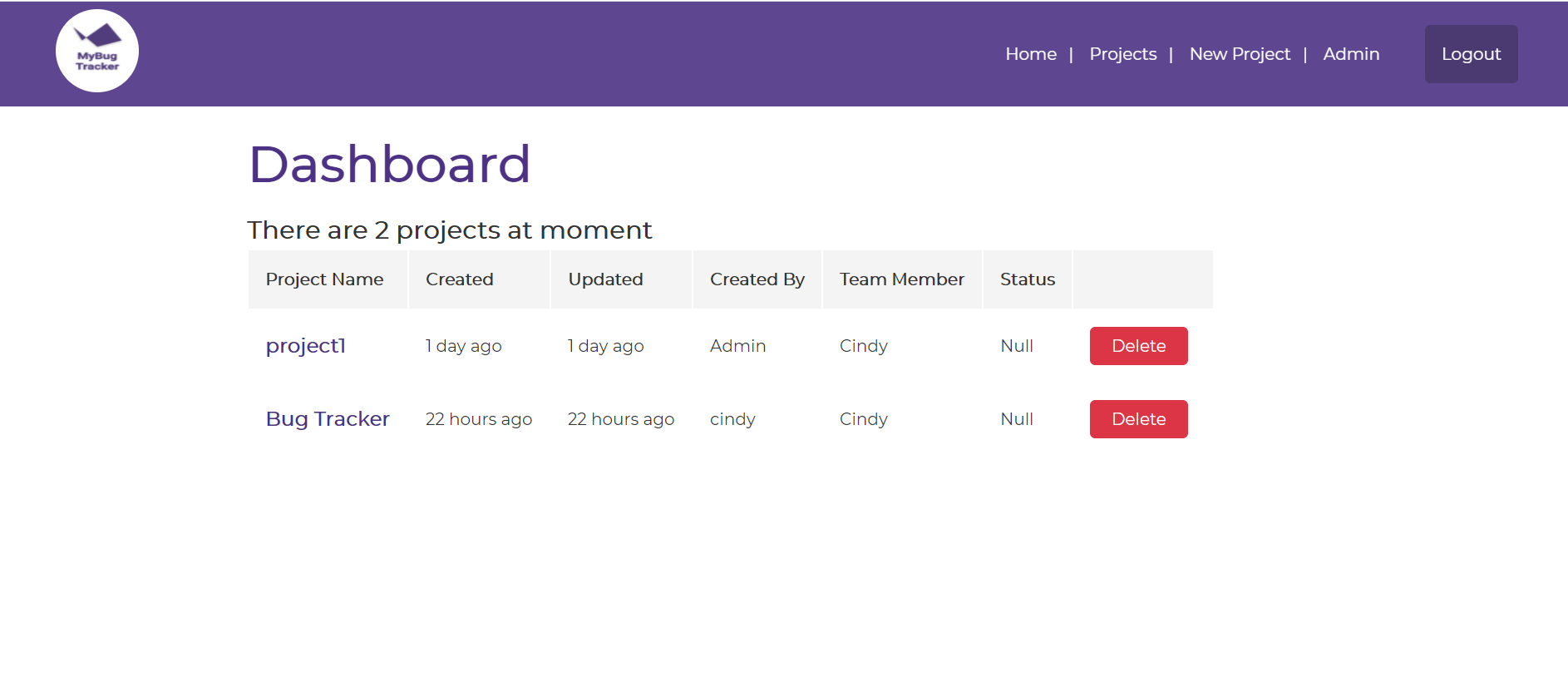
My Bug Tacker Navbar layout
Design the feature development process
Models
Build the Models and migrations:
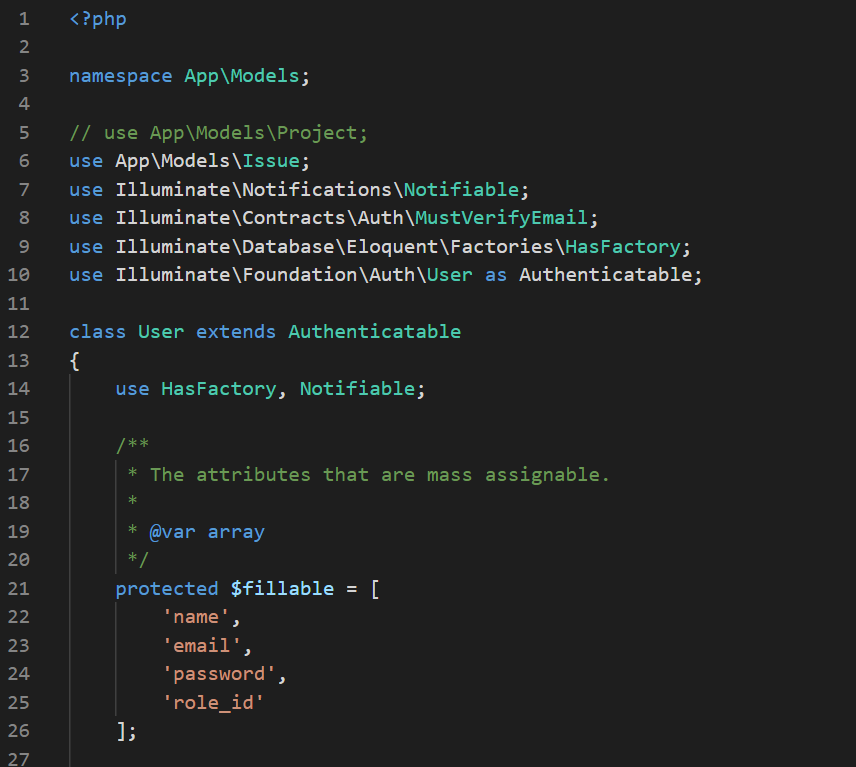
User Model
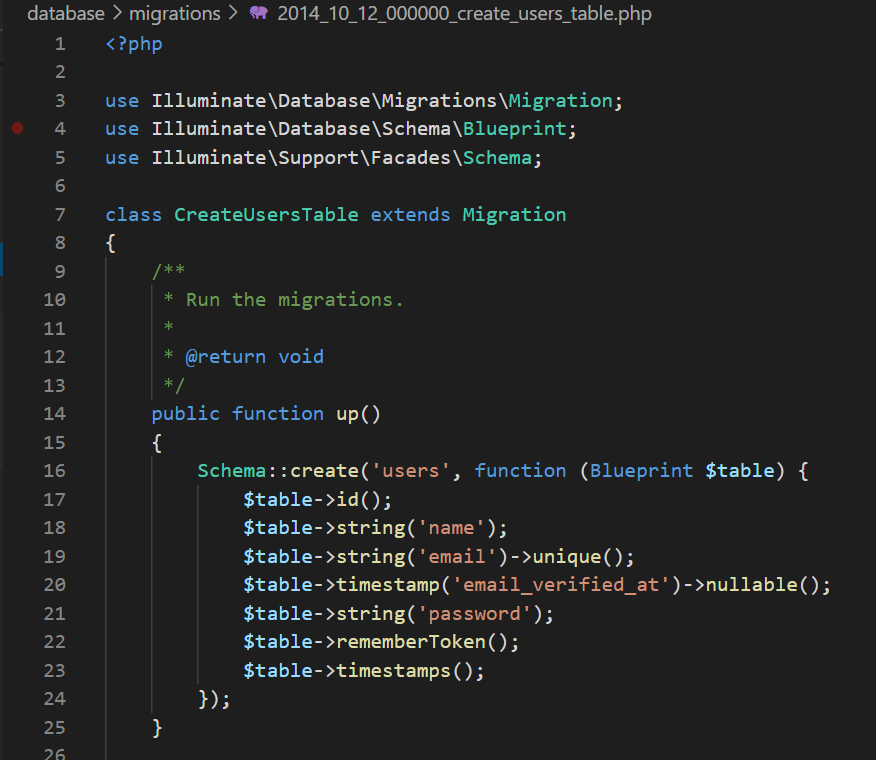
User migration
Controllers
Design route API

Registration route
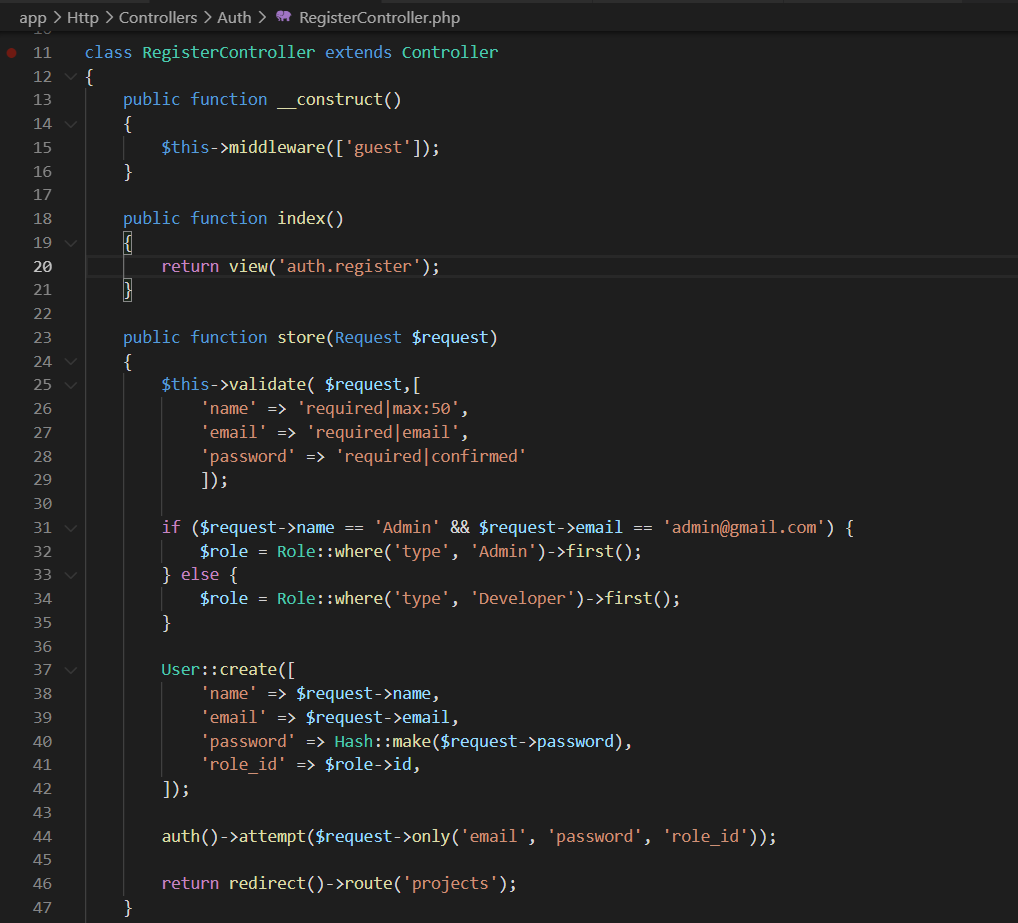
Registration controller
Views
Create forms and display tables
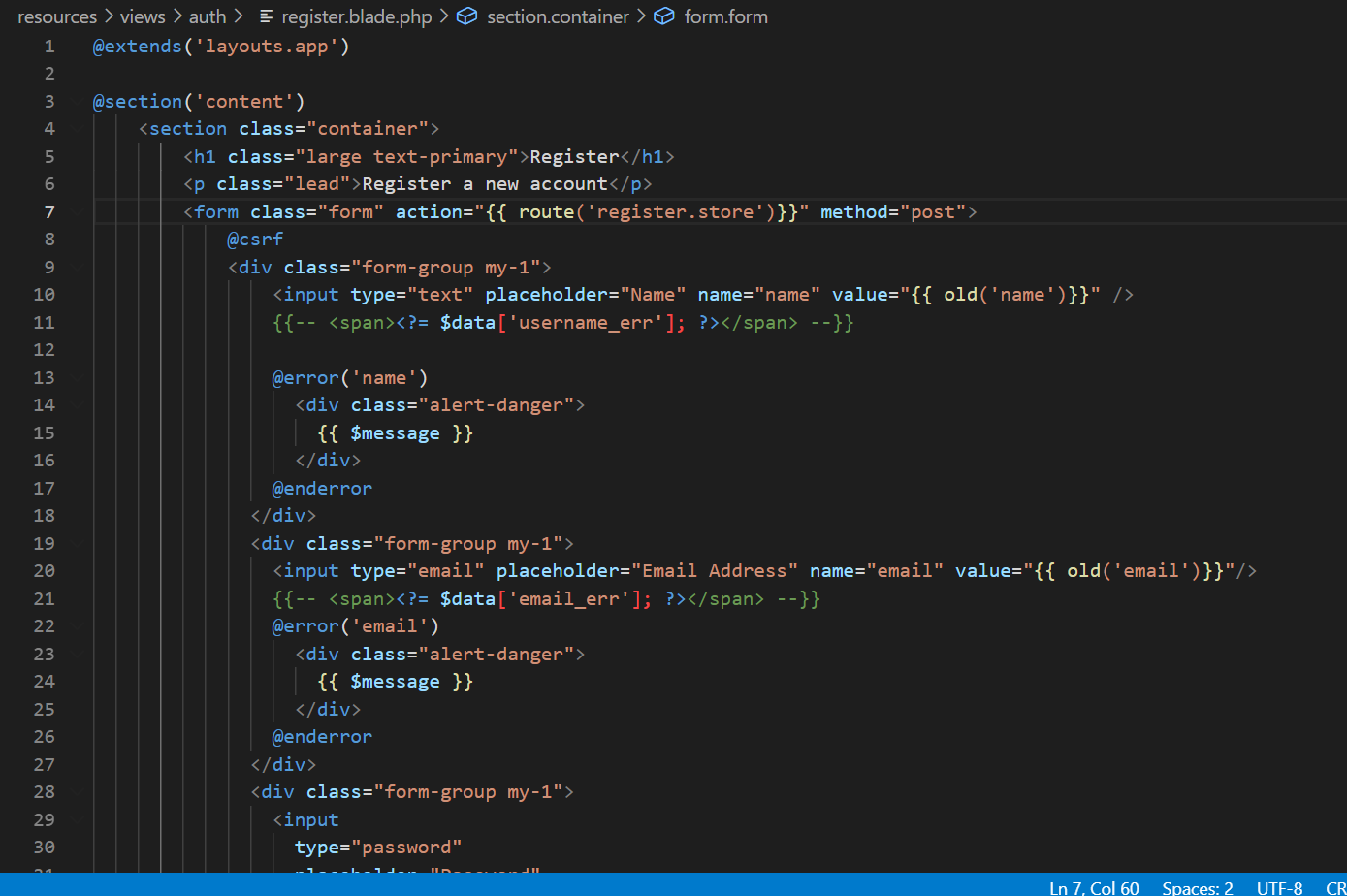
Registration view
Heads-up
- Protecting routes
- Injection attacks
- Code-review to comply SOLID principles
Repeat the process for the next feature
What is next
- I am going to use this app in the future to manage my projects.
- Add more features (Display issues by priority. Pop-up dialogue confirming deleting, more details for projects and bugs e.g.: supporting uploading files, images, email to other people. Adding ‘My Task’ page. Able to assign bugs to multiple developers. Able to create and delete users. Remember me and Forget password).
- Improve UI and UX
- Build the project again if necessary.
- Deploy the project.
- Build the project in C#.