Laravel Project Demo--role management
Source code: https://github.com/cindy-xing-wang/laravelDemo
How to run Laravel project locally: https://cindy-xing-wang.github.io/2021/01/24/5-ReplayLaravelProject/
Another similar project: https://github.com/cindy-xing-wang/realHealthyMe
0. Basic development workflow
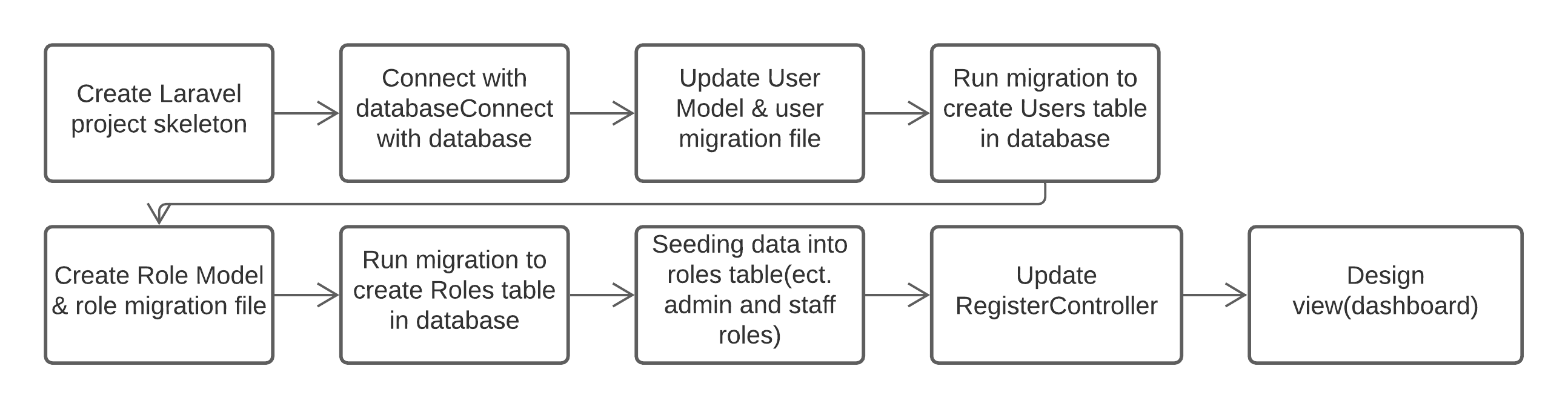
Basic development workflow
As laravel UI package has built-in authentication feature, the User model, AuthController and user migration file has been created automatically. Adding new entities need to use PHP artisan to create Model, migration file, Controller. Below is the demo development in detail.
1. Create Laravel project skeleton
1 | laravel new laravelDemo |
2. Connect with database (MySQL)
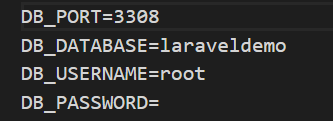
Database setting in .evn file
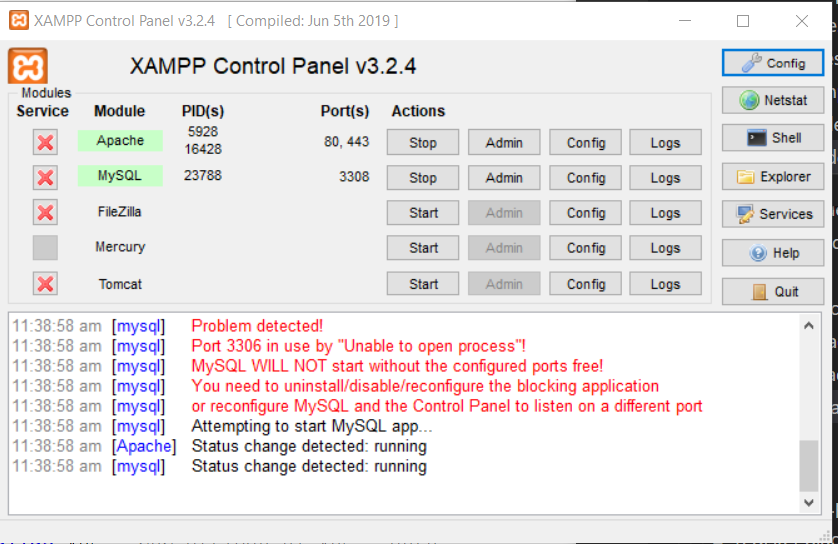
Connect with database in XAMPP

Laravel welcome page local address
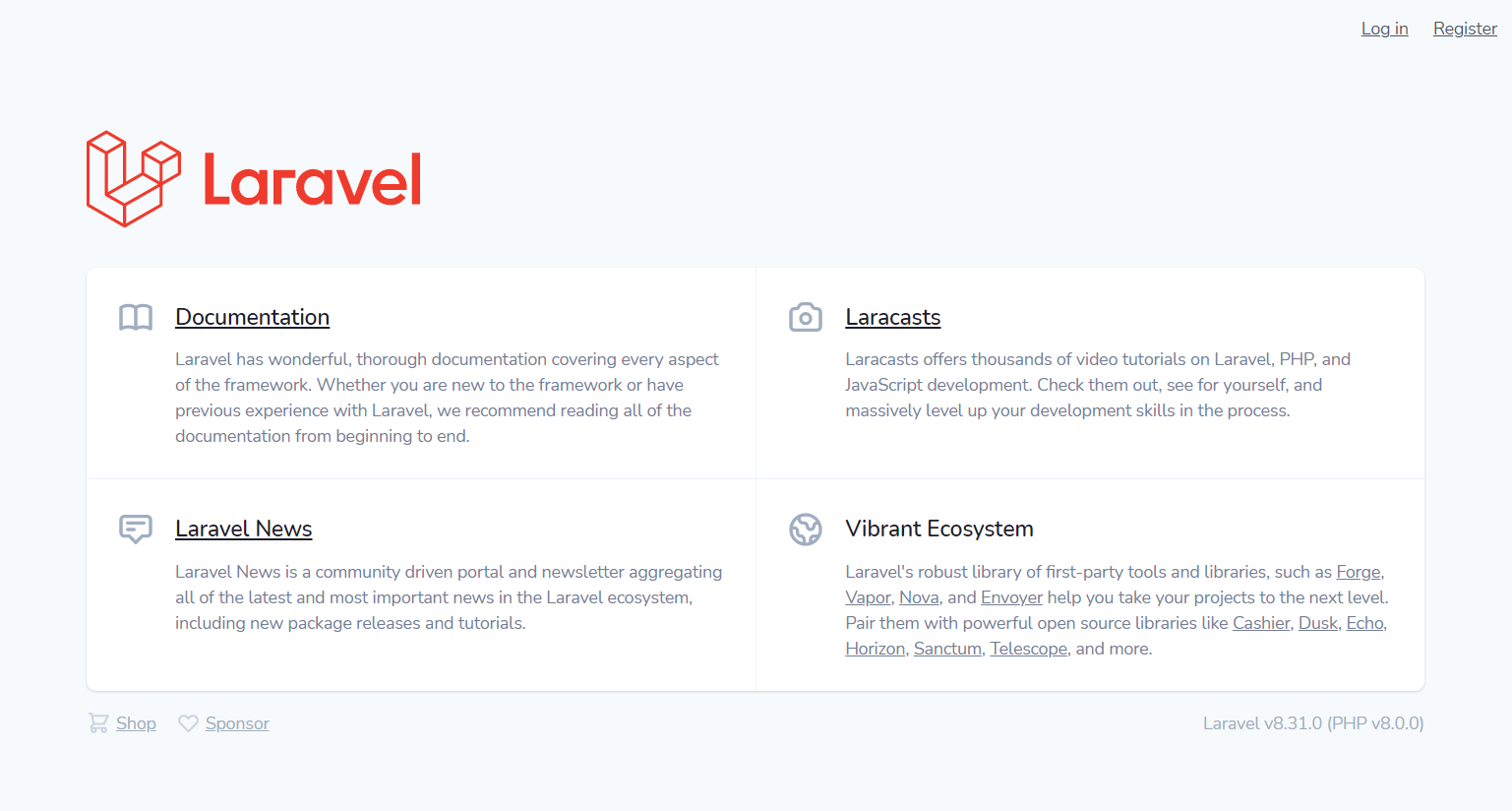
Laravel welcome page with login & Register
3. Add attributes in User Model (etc. role_id) and update migration file
User model and user migration file are created by Laravel. We only need to add the attributes. However, after running migration file, if we want to alter the table(etc. add another attribute in user model), we can either roll back the last migration and modify the migration file and run migrate again or we need to create a new migration file to add the new attribute.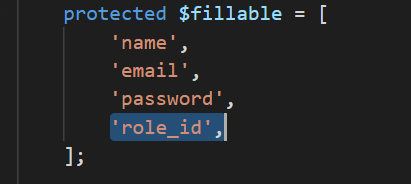
User Model
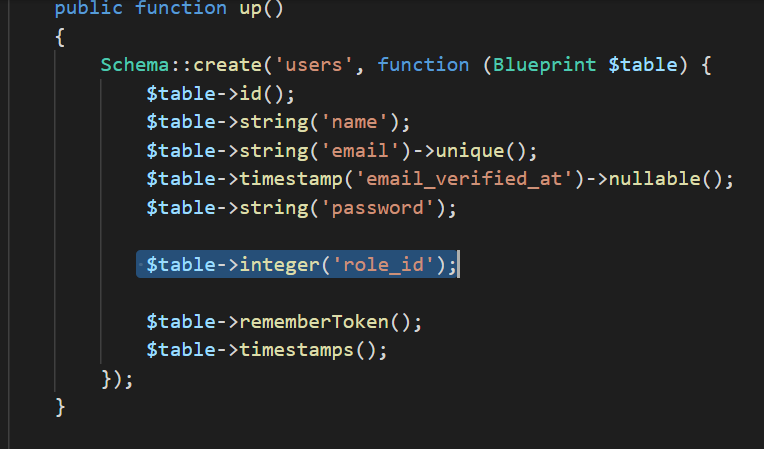
user migration file
4.Run migration to create Users table in database
1 | php artisan migrate |
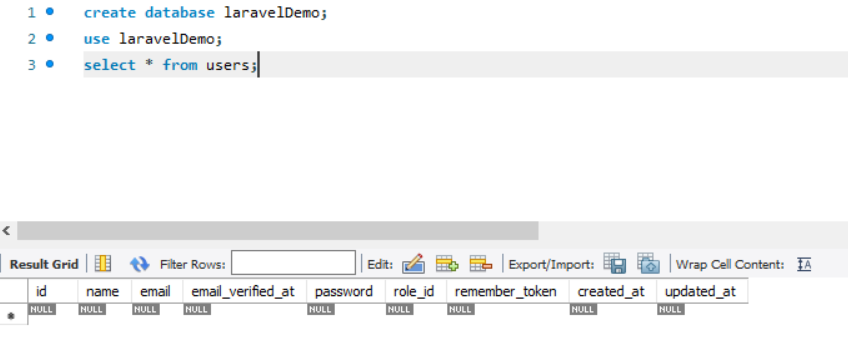
users table has been created through migration file
5. Create Role model & role migration file
1 | php artisan make:model |
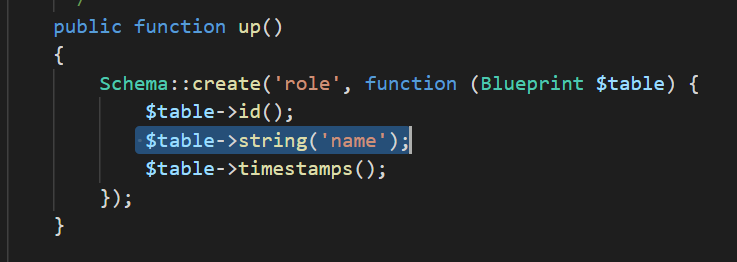
update role migration file
6. Run migration to create Roles table in database
1 | php artisan migrate |
Note : run migration whenever the migration file is changed to make sure the database is up-to-date step by step
7. Seeding data into roles table (ect. admin and staff roles)
1 | php artisan make:seeder Role |
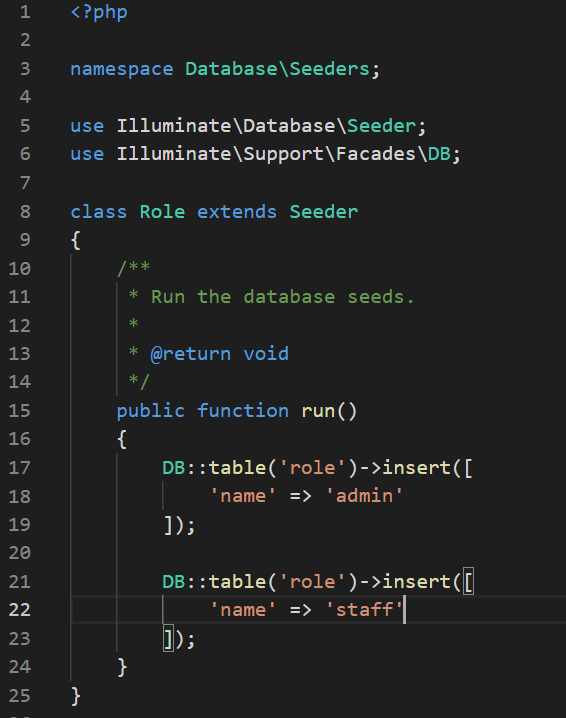
update role seeder file
1 | php artisan db:seed –class Role |
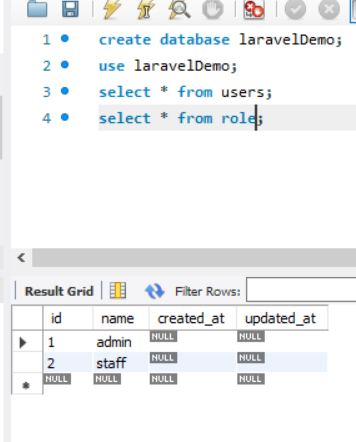
update role seeder file
8. Update RegisterController
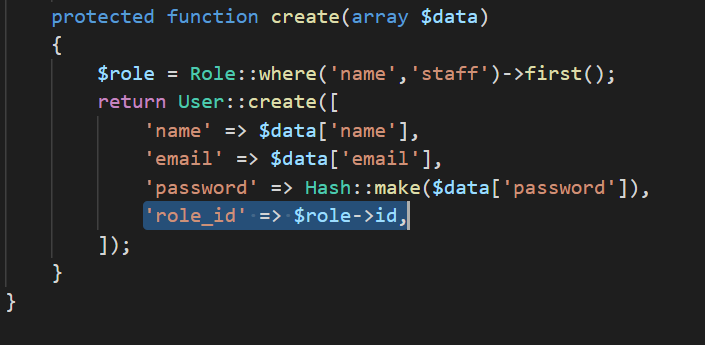
Update RegisterController
9. Register the first User
Anyone register from register page will be ‘staff’ role.
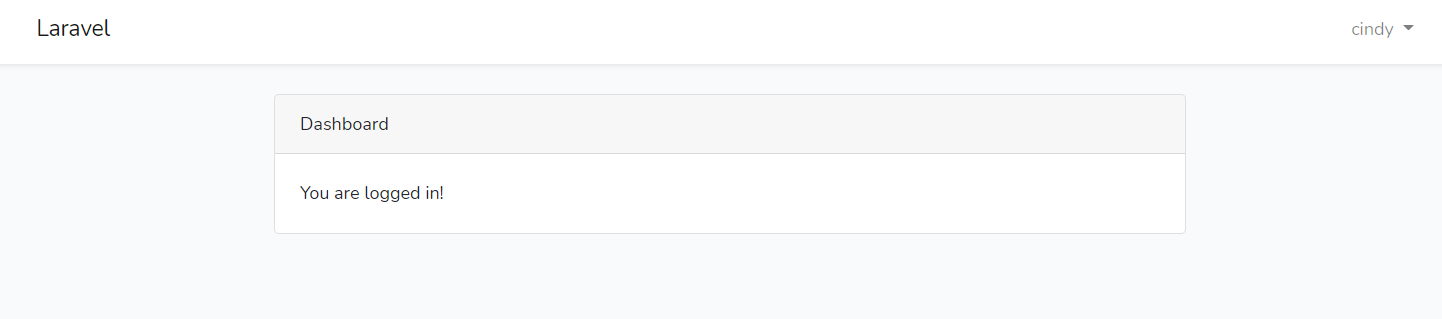
Register the first User
10. Redirect to dashboard
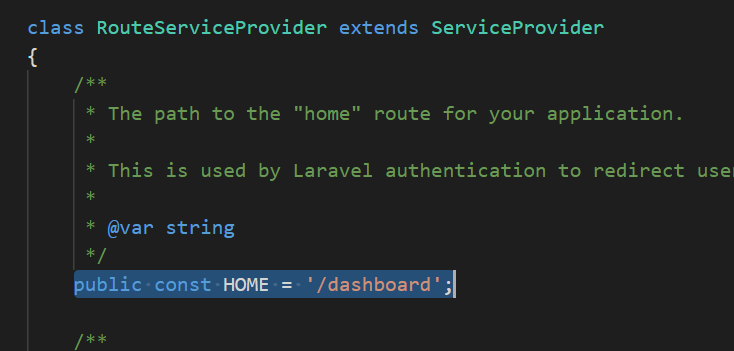
Redirect to dashboard
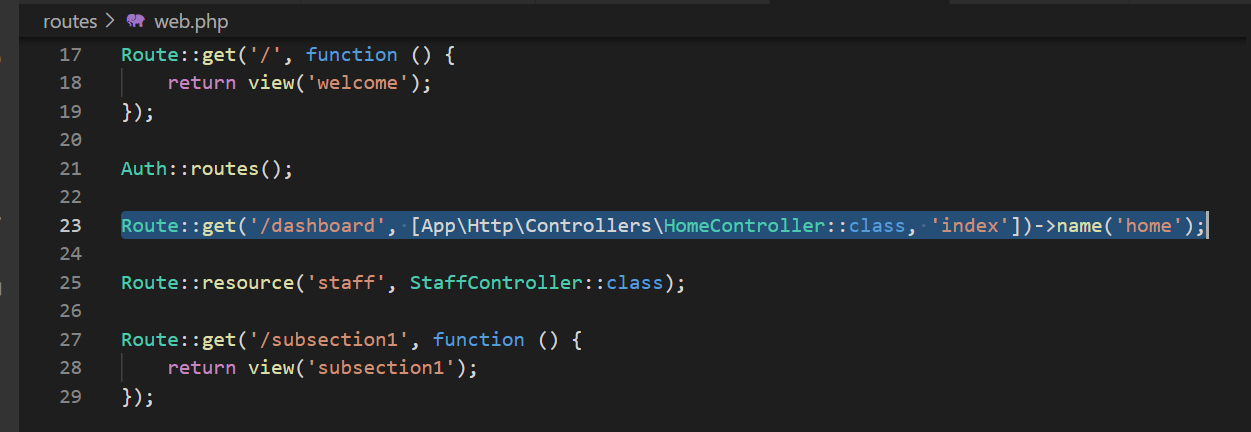
Add dashboard route in web.php
11. Design dashboard
I use ThemeKit as the template for the UI
12. Add staff route (Only admin role is able to visit this route)
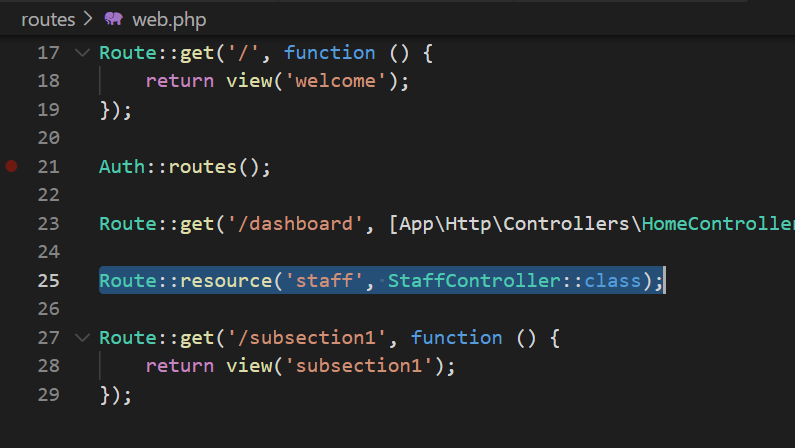
Add staff route
13. Create StaffController
1 | php artisan make:controlle StaffController -r |
By adding -r flag, the file will automatically creating index, create, show, update, destroy functions.
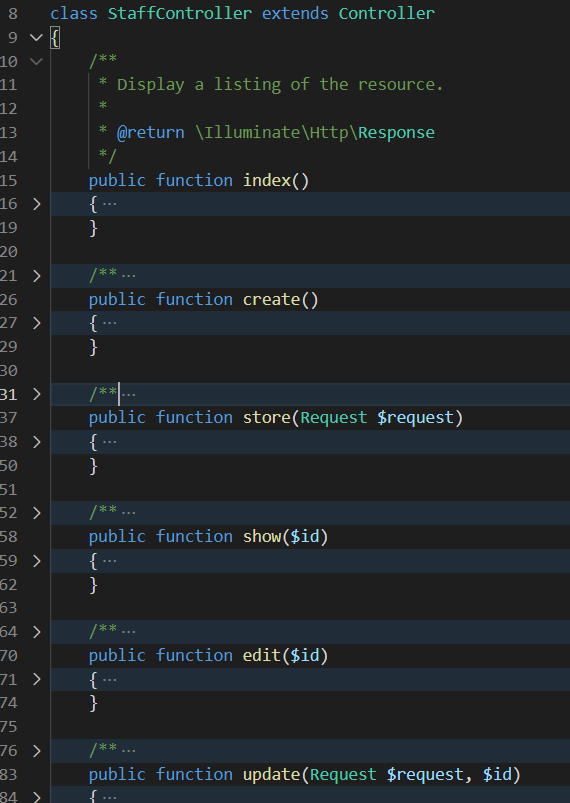
Create StaffController
14. Create middleware to protect admin route
1 | php artisan make:middleware Admin |
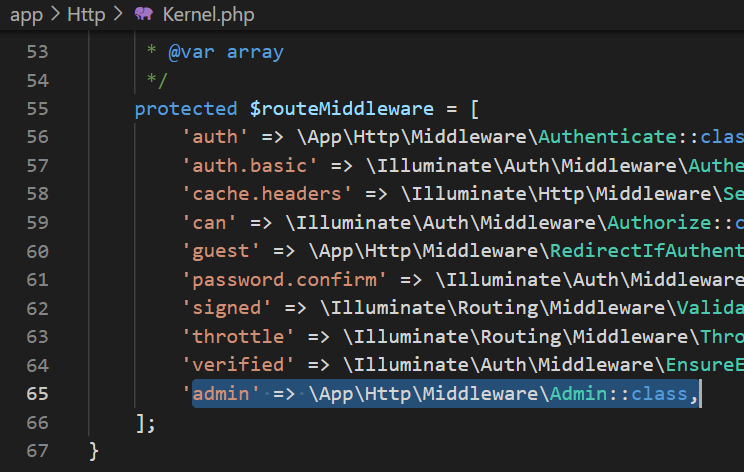
Add admin to middleware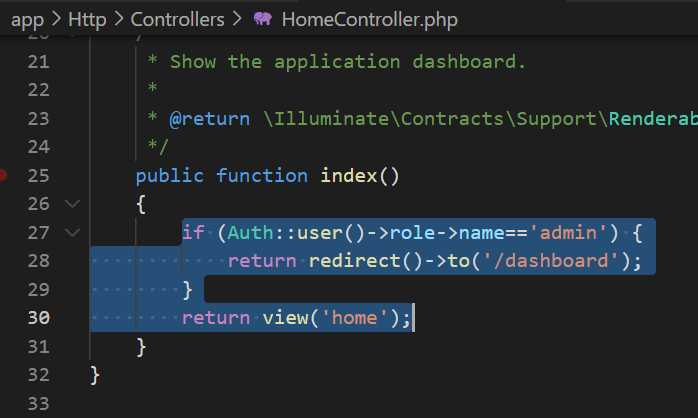
Protect admin route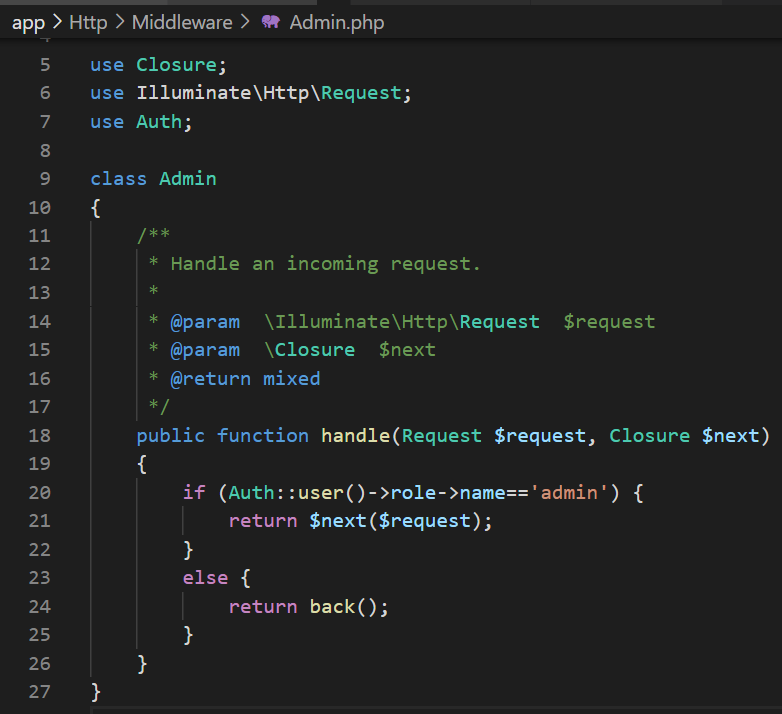
Add admin to middleware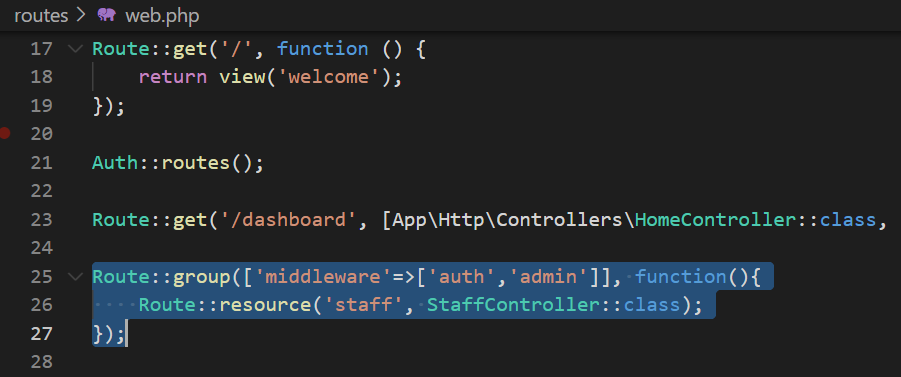
Protect admin route
15. Repeat the process to create sub-sections
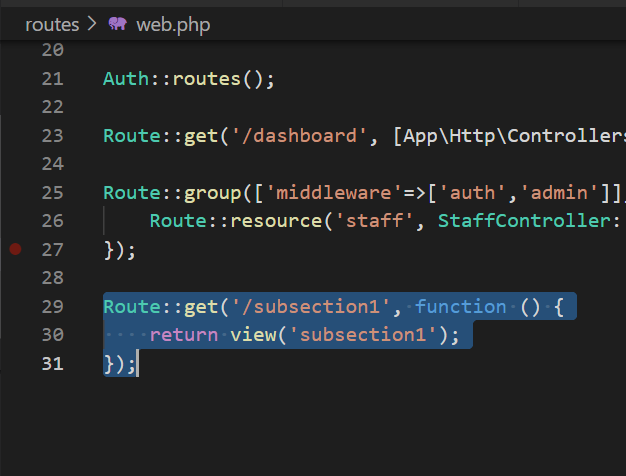
create sub-section route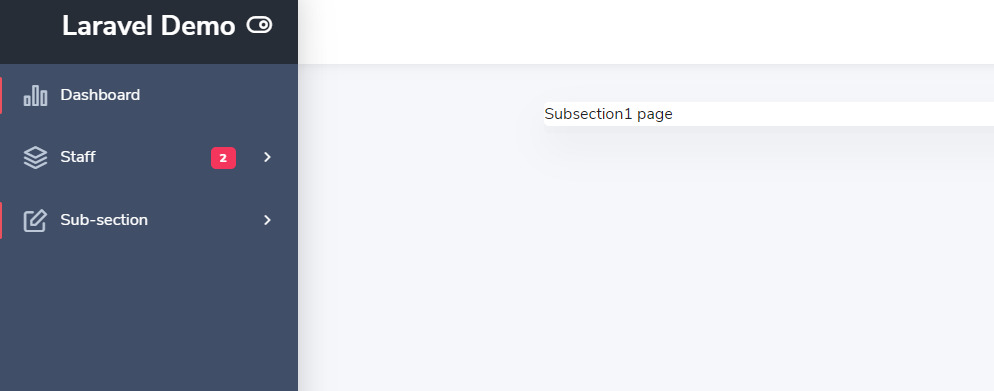
create sub-section route